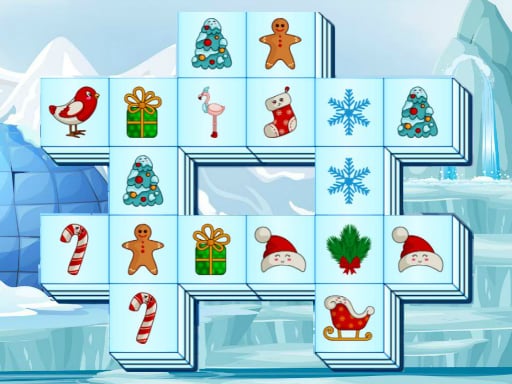
GET TO KNOW THE GAME
Xmas Memory Match: How to Play, Controls and Tips
What is Xmas Memory Match?
Xmas Memory Match is a Christmas card puzzle from Mapi Games. Turn over cards to reveal festive pictures, then use what you remember to find matching pairs.
Choose Easy or Medium mode. Remembering the position of an unmatched picture gives you a useful lead when its partner appears later.
How to Play Xmas Memory Match
| Action | Input |
|---|---|
| Flip a card / choose a mode | Mouse click or tap |
- Choose
Select Easy or Medium inside the game window.
- Reveal
Click or tap a card to see its Christmas picture.
- Match
Turn over another card and look for the same picture.
- Remember
Keep track of unmatched pictures as you continue finding pairs.
Xmas Memory Match Tips and Strategy
- Use a pattern
Explore cards in a consistent order to remember their positions.
- Recall first
Check whether you have already seen a picture before revealing a new card.
- Start small
Try Easy before moving to Medium.